
01 / 06Live rewind
Live rewind
Return to moments you missed in the saved live buffer.


PLAYOVA / IPTV PLAYER
Play your own M3U playlist or Xtream Codes login with a programme guide (EPG), catch-up, recording, downloads and multiview on Fire TV. Apps for LG, Samsung and Apple TV are on the way.
PLAYOVA / Platforms
Pick where you watch. Each page says plainly what is available today.
See what is on now and next, from the guide your provider supplies.
Open past programmes from the guide when your provider keeps an archive, or pause and rewind live TV.
Record the channel you are watching or schedule a programme on Windows, Mac, Linux and Fire TV.
Multiview on Fire TV puts two, three or four live channels on one screen.
Browse your source’s films and series, pick up where you stopped, on every device with Plus.
Save supported films and episodes on your computer, Android phone, Fire TV or Android TV before you travel.
We play a library of real IPTV samples on real devices: H.264 to AV1 and HDR, Dolby Digital Plus to DTS, SRT text to Blu-ray picture subtitles, live channels and films. The latest complete round for each device is published with its date.
See the results for your devicePLAYOVA / Features
From the moment you missed to the episode you saved for later.
01 / 06Live rewind
Return to moments you missed in the saved live buffer.
02 / 06Scheduled recording
Choose a programme from the guide. Set its start time and duration.
For recording, Playova must stay open and your PC must stay awake, online and have enough free disk space.
Explore recording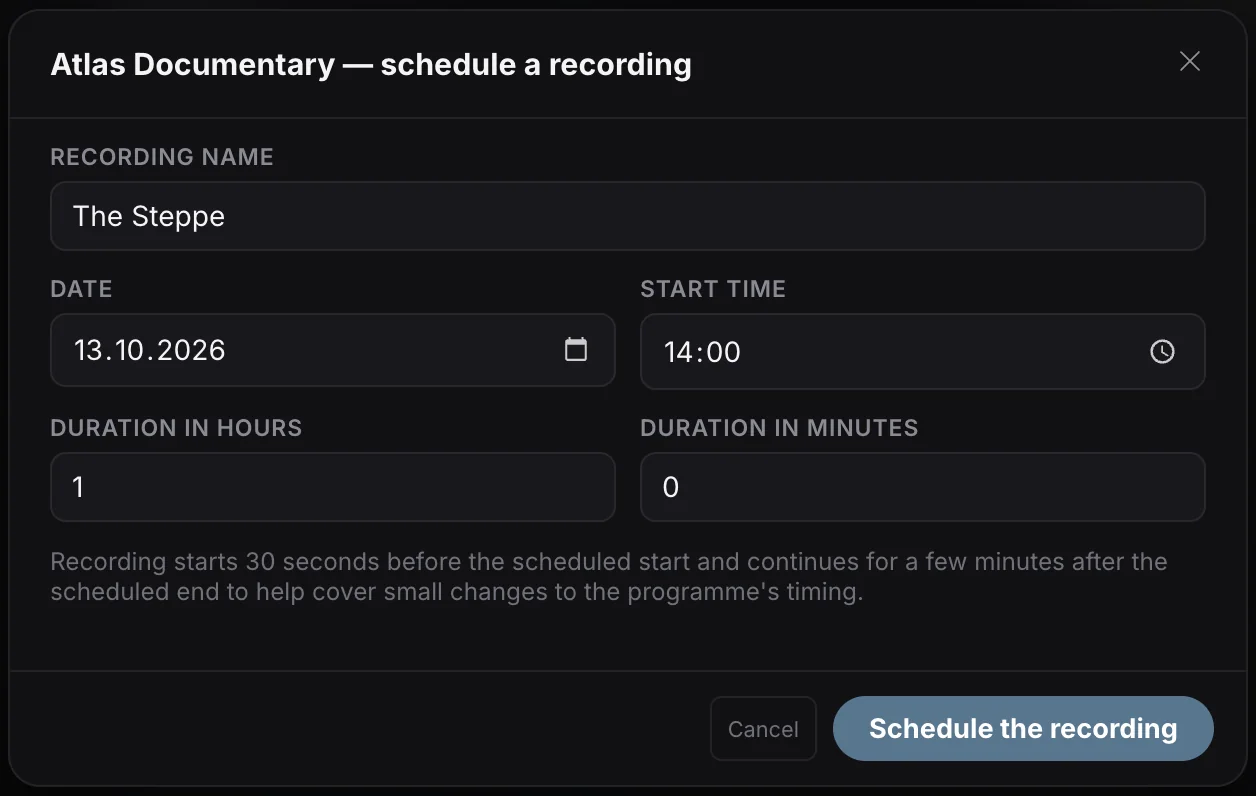
03 / 06Offline viewing
Download movies and episodes from your own source and watch without internet.
Offline viewing requires a completed download and enough disk space.


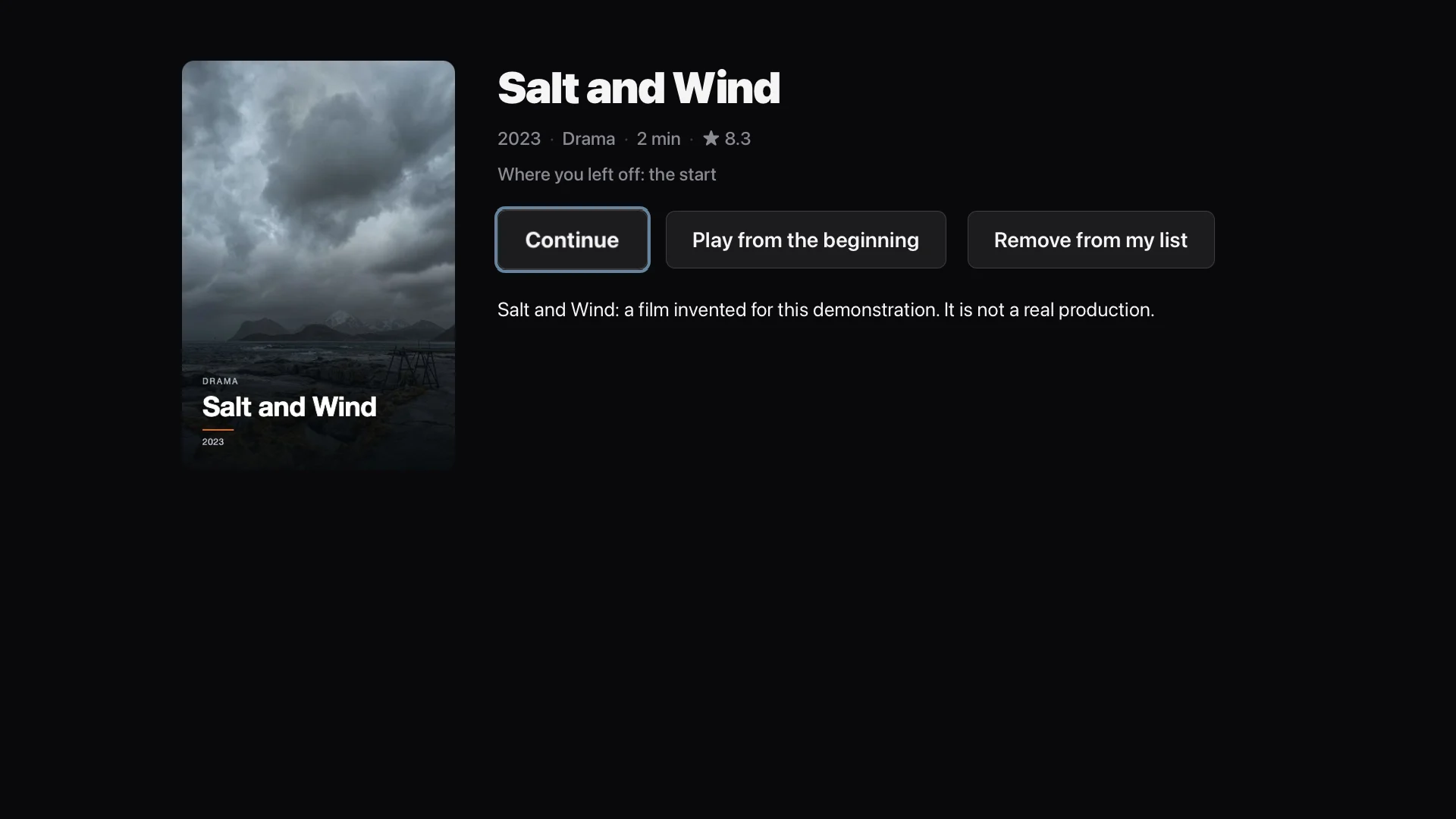
04 / 06Pick up where you left off
Pause on one device and pick up on another. Sync your movie and episode progress with Plus.
Plus · SyncRequires Plus, the same Playova account and source, a matching profile, and sync enabled. Sync requires internet.
05 / 06Movies and series
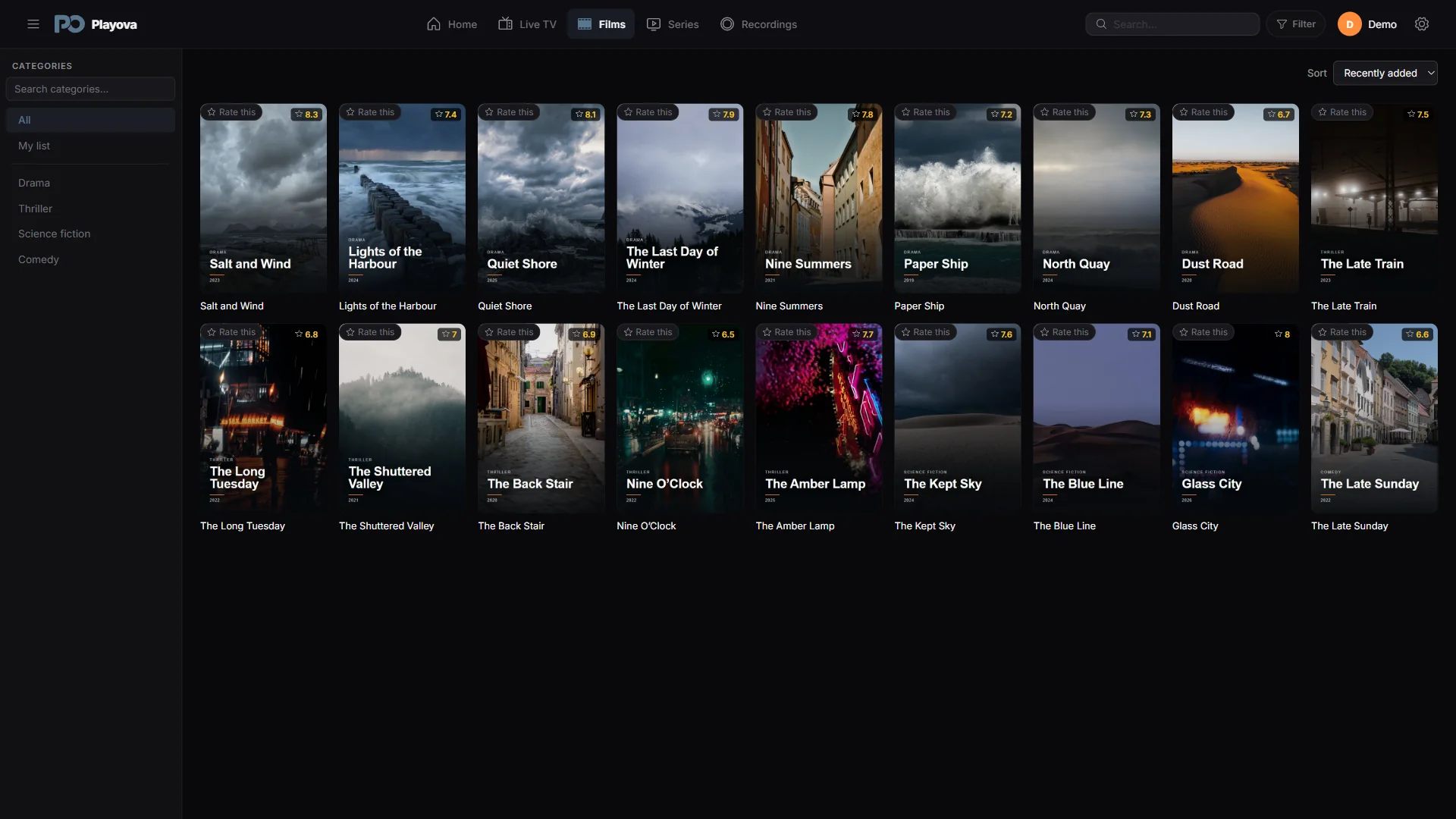
Find movies and series from your own source using posters, categories and search.
The titles shown are demo content. Playova does not supply movies, series or channel subscriptions.
06 / 06Multiple sources
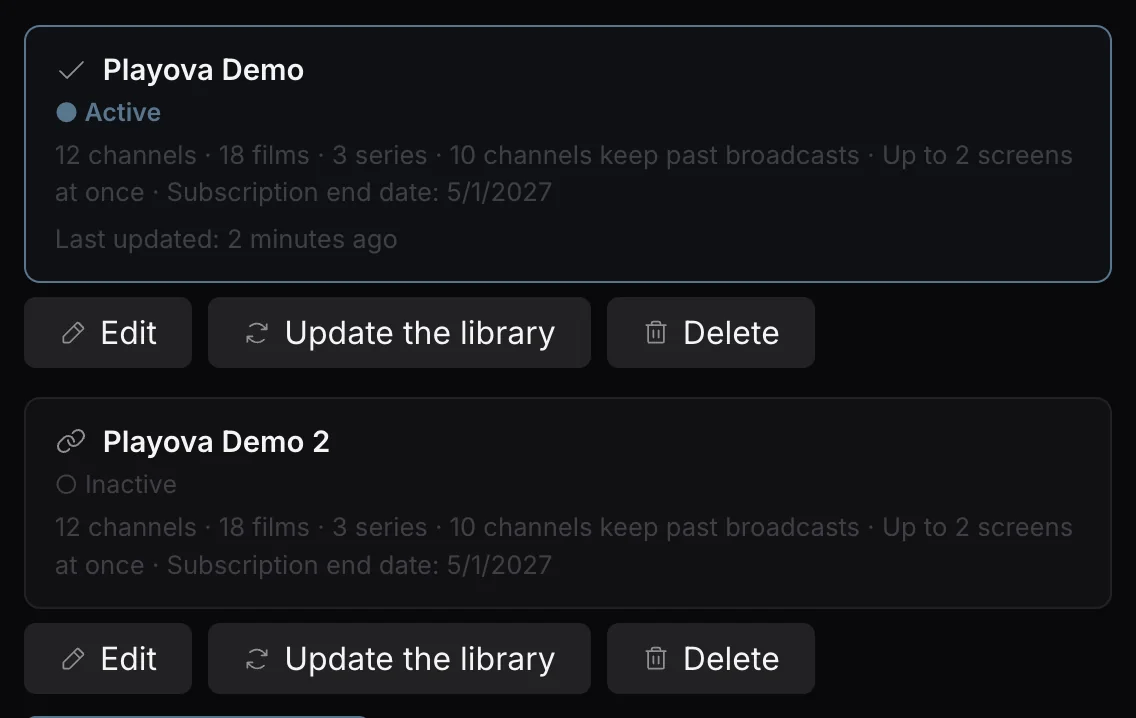
Add multiple M3U playlists and Xtream Codes accounts. Switch between your sources.
You must supply your own source. Playova does not sell IPTV subscriptions.
No. You add your own source and must have permission to watch its content. Playova does not sell or provide channels, films, series or IPTV subscriptions. The website uses a demonstration catalogue to show how the app works.
No. Playova does not activate by MAC address and charges no activation fee. The 14-day trial starts when you add your first source; after it you buy Basic or Plus, and the pricing page shows where each platform buys.
Xtream Codes provides structured access to channels, films, series, categories and programme data when your provider supplies them. M3U is a playlist format; available items and guide data depend on the list. Your provider determines which content is available.
The trial: 14 days with every supported paid feature, starting when you add your first source, including the demonstration provider. Installing the app or creating an account does not start it. The end date is shown when it begins, and the days left are on screen while it runs.
Plus covers up to five supported devices with one verified Playova account. Basic covers one assigned device. Eligible phone purchases can be assigned to an LG or Samsung TV, after which they no longer cover the phone. Neither plan increases your provider’s simultaneous-stream allowance.
BASIC / PLUS
Your trial starts when you add your first source. After the trial, watching requires paid Basic or Plus. Local prices are shown in the app.
